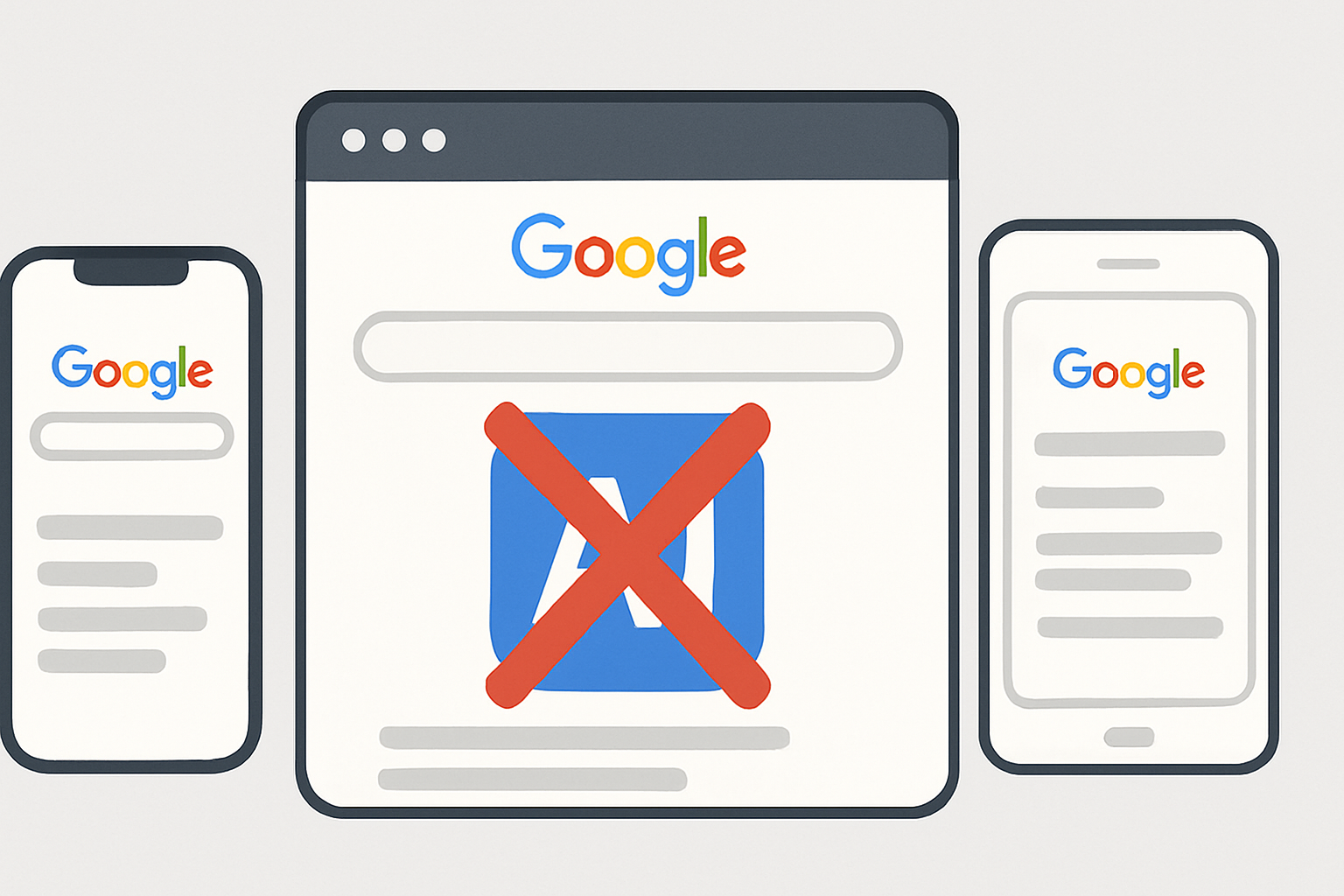
You can remove AI overviews by turning off Google’s AI summary features in Search settings on web, iOS, and Android. The article outlines the specific settings locations for each platform plus tips for keeping those options disabled over time.
Key takeaways
- AI overviews give quick summaries but can omit essential details and may prioritize information differently than a user expects.
- On the web, go to the gear icon on the search results page, choose Advanced search settings, and disable AI-driven features or smart summaries.
- On iOS, open the Google app, tap your profile picture or initials, go to Search settings, and switch off AI summaries or similar options.
- On Android, open the Google app, tap More, select Settings, open Search, and turn off the AI summary settings.
- To maintain a personalized search experience, regularly review search settings, consider browser extensions for more control, and check for updates that might re-enable AI features.
As AI technology increasingly integrates into our daily lives, Google Search has introduced AI overviews that summarize search results for users. While convenient for some, others find these overviews intrusive and prefer to see search results presented in a more traditional format. If you're among those who wish to remove overviews from Google Search, this guide will walk you through the process on web, iOS, and Android platforms. We'll explore why you might want to do this, offer practical steps, and discuss the implications of such a change.
1. Understanding AI Overviews in Google Search
AI overviews in Google Search are designed to provide users with quick summaries of search results, using AI to parse and condense information from various sources. While this feature can be helpful for quick browsing, it may not always align with user preferences for more detailed or specific search results.
- Practical point 1: AI overviews can sometimes omit essential details that are critical to understanding the full context of the information you're seeking.
- Practical point 2: They may prioritize information based on AI algorithms that don't necessarily reflect what a user deems important.
- Practical point 3: For those conducting research or needing comprehensive information, AI overviews can lead to a less thorough understanding of the topic.
2. How to Remove Overviews from Google Search on the Web
Removing AI overviews from Google Search on the web involves adjusting your search settings to disable features that enhance summaries with AI. Here's how you can do it:
- Step 1: Go to the Google Search settings page by clicking on the gear icon in the top right corner of the search results page.
- Step 2: Select 'Advanced search settings' where you can customize how results are displayed.
- Step 3: Look for options related to AI-driven features or smart summaries and disable them.
For more insights into managing digital privacy, you can explore our article on Ray Dalio's warnings about digital privacy.
3. Removing AI Overviews on iOS Devices
For iOS users who wish to remove overviews from Google Search, the process involves settings adjustments within the Google app:
- Step 1: Open the Google app on your iOS device.
- Step 2: Tap on your profile picture or initials in the top right corner to access settings.
- Step 3: Navigate to 'Search settings' and look for options to disable AI summaries or similar features.
For professionals looking to optimize their digital tools, our guide on LinkedIn content systems might be of interest.
4. Removing AI Overviews on Android Devices
On Android devices, the process is slightly different but equally straightforward:
- Step 1: Open the Google app.
- Step 2: Tap on 'More' at the bottom right, then select 'Settings'.
- Step 3: Within 'Settings', find 'Search' and adjust the AI summary settings to off.
For Android users interested in AI applications, consider our article on AI's role in healthcare.
5. Best Practices for Personalized Search Experiences
To ensure that your search results align with your preferences, here are some best practices:
- Best Practice 1: Regularly review and update your search settings to reflect your current needs and interests.
- Best Practice 2: Consider using browser extensions that provide additional control over how search results are displayed.
- Best Practice 3: Stay informed about new features and changes in Google’s search algorithms by following credible sources like Search Engine Land.
For more tips on leveraging digital tools, visit ContentPod.
6. Common Mistakes and Challenges
When attempting to remove overviews from Google Search, users often encounter challenges such as:
- Mistake 1: Overlooking hidden settings that control AI summaries, leading to incomplete deactivation.
- Mistake 2: Failing to regularly check for updates that might re-enable AI features by default.
- Challenge: Balancing the need for quick information with the desire for comprehensive search results.
For further reading, explore Google's developer guidelines on search features.
Conclusion: Making the Most of Remove Overviews Google Search
By taking control of how you interact with Google Search, you can tailor your online experience to better meet your needs. Whether you're aiming to get more comprehensive information or simply prefer a cleaner interface, learning to remove overviews from Google Search empowers you to customize your search results. For more insights and strategies on digital optimization, visit ContentPod.
Frequently Asked Questions
What is remove overviews google search?
Remove overviews from Google Search refers to the process of disabling AI-generated summaries that automatically appear in search results. This allows users to see more traditional listings without AI enhancements.
How do I disable AI summaries on my devices?
You can disable AI summaries through the search settings on your web browser, iOS, or Android devices. Simply access the settings and turn off any options related to AI or smart summaries.
Why would someone want to remove overviews from Google Search?
Some users prefer more detailed search results or want to avoid potential biases introduced by AI algorithms. Removing overviews can also help in obtaining a broader range of search results.
References & Further Reading
- Google News Article on AI Overviews
- Google Search Developer Guidelines
- Search Engine Land
- Moz Beginner's Guide to SEO
Put this into practice
Share this post
You Might Also Like
Discover more content tailored to your interests
 Highly Relevant
SEO Workflows for Content Consultants: Step-by-Step Playbook
Build a documented, repeatable workflow that combines human judgment and AI so you can research topics, write and brief reliably, review factual accuracy, optimize for search intent, and publish with clear acceptance criteria. That system makes content that ranks, connects to your services, and is easier to maintain week to week.
Read More Highly Relevant
SEO Workflows Content SaaS: Practical 30-Day Plan Guide
A 30-day operational system turns AI-assisted drafts into search-performing SaaS content by creating a repeatable pipeline with weekly checkpoints. Focus the month on building a research spine, validating intent, and establishing measurement so you publish fewer low-performing posts and more useful articles.
Read More Highly Relevant
SEO Workflows for Content Marketing: Mistakes to Avoid
Consistent SEO results from AI-assisted content require a documented editorial workflow that enforces research, subject-matter review, and a plan for ongoing updates. Treat AI as one input in that workflow, not a shortcut that replaces briefs, editing, and accountability.
Read MoreReady to create amazing podcast content?
Choose a plan and start generating professional podcast content with AI
View Pricing Plans