
Newsletter ideas for work are recurring internal email topics that help employees do their jobs and stay informed while feeling connected without wasting time. The best newsletter ideas for work focus on useful updates, team wins, decisions, deadlines, and short learning moments that employees can scan in a few minutes.
Key takeaways
- Useful beats broad: Internal newsletters get more attention when each edition helps employees make a decision, save time, or understand a change that affects their work.
- One audience per send works better than one email for everyone: Sales, support, managers, and new hires usually need different content even when the company sends on the same day.
- Recurring sections reduce production time: A fixed structure such as updates, deadlines, wins, and one learning tip makes internal newsletters easier to write and easier to read.
- Short sections outperform packed digests: A newsletter with clear headings, one main point per item, and obvious action labels is easier for employees to scan on mobile and desktop.
If your internal newsletter gets polite silence, the problem usually is not the format. The problem is the content. Employees open work email to find what affects their day, what changed, and what action is needed to avoid confusion. That is why strong email marketing metrics start with relevance, not design. This guide gives you practical newsletter ideas for work you can use right away, along with a simple way to match topics to audience and cadence. You will also find examples, a copyable outline, and related resources from the email and newsletters hub if you want to build a repeatable system instead of sending one-off updates.
Newsletter ideas for work that save time and reduce confusion
The most useful newsletter ideas for work help people find answers quickly and avoid repeated Slack messages, meeting time, and missed deadlines. These topics work well for weekly or twice-monthly internal sends because they answer the same questions people already ask in channels, standups, and hallway conversations.
- This week’s top three changes: List the three process, policy, or product changes employees need to know, with one line on what changed and one line on who is affected.
- Deadline radar: Add a simple list of upcoming internal deadlines such as timesheets, budget requests, training completion, hiring approvals, or campaign handoffs.
- Decision log: Summarize decisions leadership or cross-functional groups made this week so teams understand what is final and what is still open.
- Tool update round-up: Explain updates to software, access rules, templates, or workflows in plain language instead of dropping a raw release note.
- What changed in the handbook: Highlight one policy update at a time and link to the source document so employees can read the full context when needed.
- FAQ of the week: Pull one real question from support, HR, ops, or IT and answer it in 100 words so the same question does not spread across teams.
- Who to contact for what: Publish a rotating “owner map” that tells employees exactly which team or person handles approvals, requests, or issues.
These topics work because each item answers a practical question. If your company already uses recurring email education in other parts of the business, the same logic applies internally. The difference between a broadcast and a structured sequence matters here too, which is why this guide on email sequence vs drip campaign can help you decide whether some internal messages belong in a one-time newsletter or in an automated employee flow.
Newsletter ideas for work that connect people across teams
Good newsletter ideas for work also reduce isolation by helping employees understand what other teams are doing and why it matters. Internal communication often breaks down because teams only see their own deadlines, tools, and pressures, so a newsletter can fill that gap with short, readable context.
- Department spotlight: Give one team a short section to explain what they own, what they shipped, and what other teams should bring to them earlier.
- Project in plain English: Pick one active initiative and explain it without internal jargon so people outside the project can follow the goal and timeline.
- Customer story from the front line: Let support, sales, or customer success share one real customer pattern they noticed and what the company is doing about it.
- Cross-team thank-you notes: Invite managers to submit short examples of one team helping another team hit a goal or improve a process by removing a blocker.
- New faces, clear context: Introduce new hires with their role and focus area, plus the problems they are here to solve rather than a generic bio.
- Ask me anything recap: If leadership held an internal Q&A, publish the best questions and concise answers so non-attendees still get value.
- What I wish other teams knew: Rotate a short candid note from an employee who explains one misunderstanding that slows work down and how to avoid it.
This kind of content is where interviews help. If you record a short conversation with a team lead, ContentPod can turn one interview into multiple formats through its interview tool, including an email newsletter version. That is useful when you want to reuse the same conversation for internal email, a LinkedIn post, and an executive summary without rewriting from scratch. For inspiration on turning spoken insight into readable content, this interview on AI and the Future of Content Marketing: A Dynamic Discussion shows how an interview format can carry ideas clearly across channels.
Newsletter ideas for work for onboarding, learning, and culture
Some newsletter ideas for work are best used to teach employees how the company operates, especially during onboarding, manager training, and role changes. These topics should be short, steady, and specific because employees rarely need a full internal memo to learn one useful thing.
- How we do things here: Explain one recurring workflow each week, such as requesting budget, opening a support escalation, or writing a postmortem.
- Manager tip of the week: Share one practical management action such as how to run a 1:1, write feedback, or handle status updates.
- New hire starter pack: Build a recurring onboarding edition that points new employees to systems, meetings, terminology, and first-month priorities.
- One term, one definition: Define one internal acronym, product term, or process label so employees can follow conversations faster.
- Micro training block: Teach one small skill in five minutes, such as writing clearer internal updates, tagging the right approver, or using a template.
- Values in action: Describe one decision or behavior that reflects a stated company value, using a real example instead of a slogan.
- Recommended reading or listening: Add one article, guide, or internal recording with one sentence on why it matters for a specific role.
If you want structure for onboarding email content, these welcome email examples are useful because the same writing principles apply to employee newsletters. A new hire edition should answer basic questions fast, point to the next action, and avoid dumping ten links without context. If you publish a regular learning newsletter, you can also turn a longer internal recording into shorter written sections using a newsletter content workflow rather than starting with a blank page every time.
Newsletter ideas for company updates people will not skip
The best newsletter ideas for company updates focus on relevance and consequence, which means employees can tell why an update matters to them within one sentence. Most company-wide newsletters fail when they read like a press release, celebrate milestones without context, or hide important changes under too many minor notes.
- What this means for your team: After any leadership update, include a sentence for each major function so employees can connect the news to their own work.
- Revenue, pipeline, or performance snapshot: Share a plain-language summary of business performance with definitions for the metrics people see less often.
- Hiring and team changes: Announce who joined, who moved roles, and how reporting lines or responsibilities changed.
- Product launch brief: Explain what launched, which customers it helps, what changed internally, and where employees can find enablement material.
- Compliance and security note: Give one concise reminder about a requirement, risk, or deadline rather than sending a long warning no one reads.
- Office, remote, or travel updates: Cover practical changes to schedules, reimbursements, locations, or meeting norms that affect day-to-day work.
You can also split these ideas by frequency. Weekly newsletters work for deadlines, decisions, and immediate changes. Monthly newsletters work for performance updates, hiring moves, and broader company themes. If part of your challenge is simply keeping the list of ideas full, this post on newsletter growth marketing teams has useful planning ideas for recurring sections and editorial rhythms that apply beyond marketing.
How to choose the right newsletter ideas for work by audience
The right newsletter idea depends on who needs the information, what action they should take, and how often the topic changes. You do not need one giant internal newsletter when two smaller audience-based versions would make the message clearer.
A simple planning table helps you assign the right topic to the right audience and cadence.
| Audience | Best topics | Cadence | Main goal |
|---|---|---|---|
| All employees | Company updates, deadlines, major decisions, new hires | Weekly or monthly | Awareness and alignment |
| Managers | Policy changes, people updates, team process notes, feedback tips | Weekly | Consistency in execution |
| New hires | Onboarding steps, systems, terminology, culture notes | First 30 to 60 days | Speed to confidence |
| Sales and support | Product changes, messaging updates, customer patterns, escalation paths | Weekly | Customer-facing accuracy |
If you are unsure what to send first, use this decision process:
- List repeat questions: Pull the top questions employees ask in Slack, email, and meetings over the last two weeks.
- Group them by audience: Separate questions everyone needs from questions that only matter to a specific team.
- Choose one action per item: Each section should either inform, ask, remind, or teach. Mixing all four in one short item weakens the message.
- Set a fixed structure: Keep the same three to five sections for at least a month so readers know where to find each type of update.
- Review clicks and replies: Track which sections get action and which ones consistently get ignored, then cut or rewrite the weak parts.
This process matters because not every recurring message belongs in a newsletter. Some content works better as an onboarding series, a role-based sequence, or a triggered message. If you want examples of how different email structures map to different stages, this post on email sequence examples can help you think about timing and purpose more clearly.
A fully worked newsletter ideas for work example you can copy
A copyable format turns abstract newsletter ideas for work into something you can send this week, and a simple five-part template is enough for most internal teams. The example below is for a weekly internal operations newsletter, but you can adapt the structure for HR, product, sales enablement, or company-wide updates.
Subject line: This week at work: deadlines, decisions, and one fix
Intro: This week’s update covers two deadline changes, one approval rule, one customer pattern the support team flagged, and one process fix that should cut back-and-forth on expense requests.
- Section 1. What changed: Starting Monday, budget approvals under your existing department limit go to your direct manager first. Requests above that limit still go to finance. Use the revised form linked in the ops portal.
- Section 2. What needs action: Complete security training by Thursday at 5 p.m. local time. Managers will receive a completion list Friday morning.
- Section 3. What other teams should know: Support is seeing more customer questions about account migration timing. Product and sales should use the updated timeline language in external calls and help docs.
- Section 4. Quick win: The design team shortened the intake form for internal requests. If your project needs only a one-page asset, choose “simple request” to skip the full campaign brief.
- Section 5. FAQ: Who approves contractor software access? Department managers approve first, then IT grants access once vendor security fields are complete.
This template works because every section is brief, labeled, and tied to a concrete action or implication. If you already collect updates through voice notes or quick interviews, ContentPod can help you turn that raw material into a draft newsletter through its Email Composer or through its interview tool after an audio interview. If your source material is a longer recording, this guide on turn a podcast into a newsletter is useful because the same editing logic applies to internal interviews and meeting recaps. Start with one core message, pull the strongest quotable points, and cut everything employees do not need to act on.
Conclusion: Making the Most of newsletter ideas for work
The best newsletter ideas for work are not flashy. They are useful, repeatable, and easy to scan. If you build your newsletter around changes, required actions, cross-team context, and useful lessons, you will have enough material for months without padding the email with filler. Start with one audience, pick four recurring sections, and commit to a steady cadence for four editions before you judge results.
If you want to make production easier, ContentPod can help you turn interviews, notes, and existing source material into newsletter drafts and related content without rebuilding the message each time. That is especially useful when one internal update needs to become an email, a manager brief, and a short social or executive summary version. Bottom line: newsletter ideas for work succeed when every item answers a real employee question or helps someone take the next step faster.
Frequently Asked Questions
What is newsletter ideas for work?
Newsletter ideas for work refers to topic ideas for internal company emails that employees receive on a recurring basis. Newsletter ideas for work usually include operational updates, deadlines, team news, onboarding guidance, policy changes, and short learning content that helps employees do their jobs with less confusion.
How often should a company send an internal newsletter?
A company should send an internal newsletter as often as the information changes and as often as employees need it to work effectively. Weekly newsletters work well for deadlines, project changes, and cross-team coordination, while monthly newsletters fit leadership updates, performance summaries, and broader company news.
What should I avoid in a work newsletter?
A work newsletter should avoid long blocks of text, vague leadership messages, too many unrelated announcements, and sections with no clear relevance to the reader. A stronger internal newsletter keeps each item short, names the affected audience, explains what changed, and states the next action or source link clearly.
References & Further Reading
- Email Newsletter
- Email Marketing Metrics
- Newsletter
- How to Create an Email Newsletter People Actually Read
Put this into practice
Share this post
You Might Also Like
Discover more content tailored to your interests
 Highly Relevant
Welcome Email Examples and How to Write Your Own
Welcome email examples are sample first messages you send after someone subscribes, signs up, buys, or starts a trial, and they show the structure, tone, and call to action that help new contacts take the next step.
Read More Highly Relevant
Explained: Google CEO Sundar Pichai on AI Shake-Up
Sundar Pichai announced that Jeff Dean is leaving after 27 years and that Demis Hassabis will take on new responsibilities, and he framed the change as a managed transition meant to reassure employees and identify who will lead Google’s AI efforts. The message functions as a signal about how Google plans to organize AI leadership rather than a routine personnel note.
Read More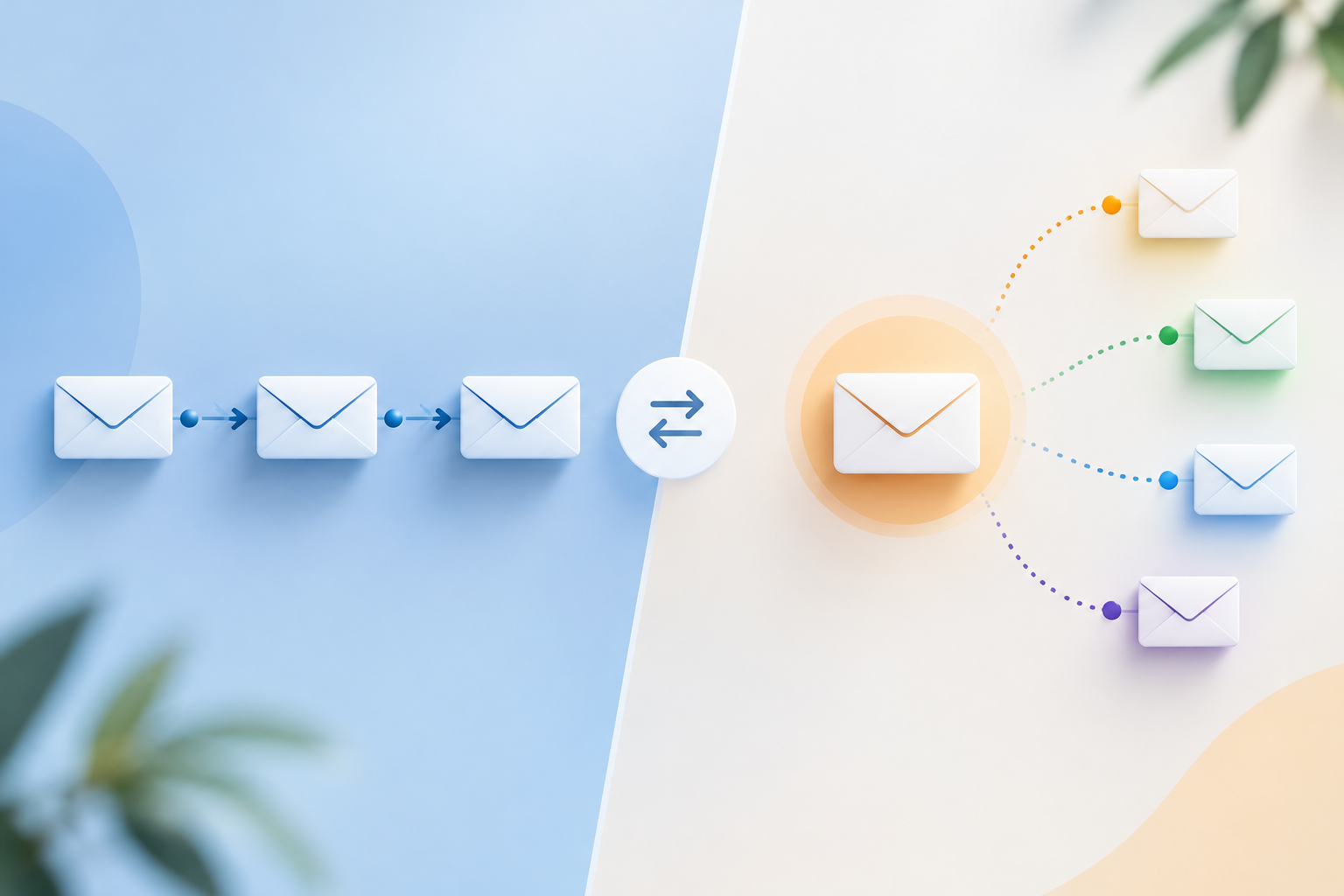
Email Sequence vs Drip Campaign: Definitions and Use Cases
Email sequence vs drip campaign comes down to structure and trigger: an email sequence is a planned series of emails sent in a set order for a specific experience, while a drip campaign is an automated set of emails released based on time, behavior, or a predefined trigger.
Read MoreReady to create amazing podcast content?
Choose a plan and start generating professional podcast content with AI
View Pricing Plans