Optimizing Audio Quality for Better Transcription Results
Optimizing audio before you record is the fastest, most cost-effective way to get more accurate transcripts and reduce post-production editing. Capture cleaner sound and control the recording environment so both human and AI transcription tools return readable text with minimal cleanup.
Key takeaways
- Prioritizing audio quality before recording can reduce editing time by 30 to 60% because fewer words are misheard or missing from transcripts.
- Transcription accuracy depends on clarity, signal-to-noise ratio, and consistency; clean recordings allow budget tools to perform well while noisy files can cause premium services to struggle.
- The three technical elements that most affect transcription are signal-to-noise ratio, frequency balance, and dynamic range.
- Standardizing recording setups — same microphone, same room, same distance — produces more consistent transcripts across episodes and interviews.
- A decent microphone in a quiet room with good mic technique often outperforms a high-end microphone in a noisy environment.
If you rely on transcripts for podcasts, interviews, webinars, user research, or video content, you already know how frustrating inaccurate text can be. Missed words, garbled phrases, and time-consuming edits all trace back to one root cause: poor audio. That’s why optimizing audio quality for better transcription is one of the fastest, most cost-effective upgrades you can make to your entire content workflow. In this guide, you’ll learn how to capture cleaner sound, reduce background noise, choose the right equipment, and set up your recording environment so both human and AI transcription tools can deliver highly accurate results with minimal cleanup.
We’ll walk through practical recording setups, microphone techniques, and software settings that directly impact how well your audio can be transcribed. You’ll see real-world examples from content creators and teams who improved their transcription accuracy by focusing on sound quality first. By the end, you’ll have a repeatable checklist for optimizing audio quality for better transcription across all your projects, whether you’re recording on a laptop, a phone, or in a dedicated studio. You’ll also discover how platforms like ContentPod and leading SEO tools help you turn clean transcripts into high-performing written content.
1. Why Optimizing Audio Quality For Better Transcription Matters
Most people try to fix transcription problems at the end of the process: they switch transcription tools, hire new freelancers, or spend hours editing messy text. But the biggest gains come from optimizing audio quality for better transcription before you ever hit record. Transcription—whether done by humans or AI—depends on the clarity of speech, the signal-to-noise ratio, and the consistency of the audio. When your recording is clean, even budget tools perform surprisingly well; when your recording is noisy, even premium services struggle.
From a content marketing perspective, this matters a lot. Accurate transcripts feed your blog posts, show notes, social posts, and SEO assets. Clean text is easier to repurpose with platforms like ContentPod, which can turn transcripts into articles, email sequences, and landing page copy. According to research shared by Moz on SEO content, high-quality, well-structured text significantly improves search visibility. That text often starts as audio.
- Practical point 1: When you prioritize optimizing audio quality for better transcription, you reduce editing time by 30–60%, because fewer words are misheard or missing from the transcript.
- Practical point 2: Clear audio allows AI transcription tools to better identify speakers and punctuation, which directly improves readability and searchability of your content.
- Practical point 3: Teams that standardize their recording setups—for example, same microphone, same room, same distance—see far more consistent transcripts across episodes, interviews, and campaigns.
There’s also a compounding effect. Once you master optimizing audio quality for better transcription, every future recording benefits. Your podcast backlog becomes easier to turn into articles, your sales calls become searchable, and your research interviews become a rich source of quotes and insights. Instead of wrestling with noisy files, you can focus on strategy, storytelling, and distribution.
2. Understanding The Core Elements Of High-Quality Audio
Before you can start optimizing audio quality for better transcription, you need to understand what “good audio” actually means. It’s not just about having an expensive microphone. Three core elements matter most: a strong, clean signal; minimal background noise; and consistent volume. When these are in place, transcription engines can more easily distinguish phonemes, words, and sentence boundaries.
The first component is the signal-to-noise ratio. You want your voice to be significantly louder than any environmental noise. That means recording in a quiet space, turning off fans and notifications, and avoiding echoey rooms. The second component is frequency balance. Voices should sound natural, not overly boomy or thin. Many USB microphones have built-in EQ curves that work well for speech, but you can improve them further using basic filters in tools like Audacity or Adobe Audition. Resources from HubSpot’s podcasting guides show how professional marketers approach these basics.
The third component is dynamic range—the difference between the softest and loudest parts of your recording. If this range is too wide, quiet words may be lost; if it’s too compressed, your audio can sound harsh. Most DAWs and recording apps offer simple compression and limiting tools to keep your voice within a comfortable range. As you work through these elements, keep in mind that your goal is not studio perfection; your goal is optimizing audio quality for better transcription so words are captured clearly and consistently.
Finally, remember that audio quality is cumulative. A decent microphone in a quiet room with good mic technique often outperforms a high-end mic in a noisy environment. Guides from Vox on podcast audio basics and similar resources reinforce that environment and technique usually matter more than price tag. When you focus on these fundamentals, you give any transcription engine a clean, reliable signal to work with.
3. Equipment And Setup For Optimizing Audio Quality For Better Transcription
Choosing the right equipment is a key part of optimizing audio quality for better transcription, but you don’t need a full studio to get professional-grade results. Start with the microphone. For most solo or remote recordings, a dynamic USB microphone is ideal because it rejects background noise better than many condenser mics and plugs directly into your computer. Popular options like the Audio-Technica ATR2100x or Samson Q2U are widely recommended by creators and audio engineers.
Next, consider your recording device and software. Recording directly into your laptop using tools like Audacity, Reaper, or even browser-based platforms is usually sufficient, as long as you monitor your input levels. If you record on mobile, use a dedicated recording app that supports uncompressed formats (like WAV) rather than low-bitrate voice memos. According to audio best practices shared by Adobe’s podcast recording guide, capturing at 44.1 kHz or 48 kHz sample rate and 16-bit depth is more than enough for speech.
Accessories also play a big role in optimizing audio quality for better transcription:
- Practical point 1: Use a pop filter or foam windscreen to reduce plosives (“p” and “b” sounds) that can distort audio and confuse transcription engines.
- Practical point 2: Mount your microphone on a boom arm or stand to keep it stable and at a consistent distance (typically 4–8 inches from your mouth).
- Practical point 3: Wear closed-back headphones while recording so you can hear background noise, clipping, or echo in real time and adjust before it ruins your take.
Finally, configure your software settings. Set your input gain so your loudest speech peaks around -12 dB to -6 dB, leaving headroom to avoid clipping. Record in a quiet format like WAV, then export to compressed formats later if needed. When you combine the right mic, accessories, and settings, optimizing audio quality for better transcription becomes a repeatable process rather than a guessing game.
4. Real-World Examples Of Optimizing Audio Quality For Better Transcription
To see the impact of optimizing audio quality for better transcription, it helps to look at real-world scenarios. Consider a small marketing team that records weekly thought-leadership interviews over video calls. Initially, they relied on laptop microphones and noisy open offices. Their AI transcription tool regularly produced error-filled transcripts, and each episode required 2–3 hours of manual cleanup before it could be turned into a blog post.
After a basic audio overhaul—switching to USB dynamic mics, recording in quiet meeting rooms, and using headphones to monitor audio—the team saw a dramatic improvement. Their transcription accuracy jumped from roughly 85% to 96%, and editing time fell to under 45 minutes per episode. This meant they could publish more content, faster, and feed tools like ContentPod with reliable transcripts for automated repurposing. Over a quarter, the team produced nearly double the number of SEO-focused articles, which they optimized further with insights from Semrush’s SEO writing guide.
Another example comes from a UX research team conducting remote user interviews. They used a popular video conferencing platform’s built-in recorder and depended on participants’ laptop mics. Many transcripts were unusable due to echo, cross-talk, and background noise. By sending a short pre-session checklist focused on optimizing audio quality for better transcription—asking participants to move to a quiet room, wear headphones, and stay close to their microphones—the team significantly improved the clarity of recordings.
With cleaner audio, their transcription tool could accurately capture nuanced feedback, including specific product terms and feature names. This made it easier to search interviews, compile quotes, and share findings with stakeholders. In both cases, the teams didn’t invest in expensive studios; they invested in simple, repeatable habits for optimizing audio quality for better transcription and reaped substantial productivity and quality gains.
5. Best Practices For Capturing Audio That Transcribes Accurately
Once you understand the fundamentals, you can adopt a set of best practices that make optimizing audio quality for better transcription part of your standard workflow. These practices are simple but powerful, especially when you use transcripts as the foundation for blogs, whitepapers, and other long-form content. They also help you get more value from AI-driven platforms like ContentPod, which perform best when they receive clean, structured text.
Here are three best practices to build into every recording session:
- Best Practice 1: Control your environment. Choose a small, quiet room with soft furnishings that reduce echo—carpets, curtains, couches, and bookshelves all help. Turn off air conditioners, fans, and notifications. If you must record in a less-than-ideal space, hang blankets or use portable acoustic panels behind and to the sides of the microphone. This single step goes a long way toward optimizing audio quality for better transcription.
- Best Practice 2: Standardize your mic technique. Keep your mouth 4–8 inches from the microphone, slightly off-axis (angled to the side) to reduce plosives. Maintain a consistent speaking volume and avoid moving your head away from the mic. Do a 10–20 second test recording, listen back on headphones, and adjust your position or gain before starting the real session. This habit ensures that every recording begins with audio that’s already optimized for transcription.
- Best Practice 3: Minimize cross-talk and interruptions. Ask participants not to talk over each other and to mute when they’re not speaking in group settings. Interruptions and overlapping speech are among the biggest obstacles to optimizing audio quality for better transcription, because even advanced engines struggle to separate simultaneous voices. Establishing “one person speaks at a time” as a ground rule dramatically improves transcript accuracy.
In addition, speak clearly and at a natural pace, especially when using specialized terminology or brand names. Spell out complex terms the first time you use them, and consider providing a glossary to human transcribers when needed. These small steps compound, making your transcripts easier to search, edit, and transform into high-performing content guided by SEO best practices from resources like Backlinko’s content hub. Over time, you’ll find that optimizing audio quality for better transcription becomes second nature and directly supports your broader content strategy.
6. Common Mistakes And Challenges In Audio For Transcription
Even when you know the theory, it’s easy to fall into common traps that undermine your efforts at optimizing audio quality for better transcription. One of the biggest mistakes is relying on built-in laptop or webcam microphones. These mics are designed for convenience, not clarity. They pick up keyboard noise, room echo, and distant voices, all of which confuse transcription tools. A simple external microphone is one of the highest-ROI upgrades you can make.
Another frequent issue is recording in highly reflective spaces—large conference rooms, kitchens, or bare offices. Hard surfaces bounce sound around, creating reverb that smears consonants and makes speech harder to parse. Even if you can understand it, AI models may struggle. You can mitigate this by choosing smaller rooms and adding soft materials, as discussed in guides from Sound On Sound’s podcast techniques. Ignoring this factor is one of the most persistent obstacles to optimizing audio quality for better transcription.
Background noise is another major challenge. HVAC systems, traffic, office chatter, and even loud keyboards can all interfere with transcription accuracy. While noise reduction plugins can help, they can also introduce artifacts if overused. It’s far better to prevent noise at the source. Additionally, many creators forget to monitor audio in real time. Without headphones, you might not notice hums, clicks, or distortion until it’s too late. This oversight can turn an otherwise great session into a salvage job.
Finally, teams often underestimate the impact of inconsistent setups. If each host or guest uses different gear, rooms, and levels, your transcripts will vary in quality. Standardizing a simple checklist for optimizing audio quality for better transcription—covering mic type, distance, environment, and test recordings—helps you avoid these pitfalls. When issues do arise, consult external resources like Zencastr’s audio improvement guide to troubleshoot and refine your approach.
Conclusion: Making the Most of Optimizing Audio Quality For Better Transcription
When you step back, it’s clear that optimizing audio quality for better transcription is not just a technical tweak—it’s a strategic advantage. Clean, consistent audio gives you more accurate transcripts, which in turn fuel your blogs, podcasts, videos, and SEO campaigns. You spend less time fixing errors and more time creating value. By focusing on environment, equipment, and repeatable best practices, you turn every recording into a reliable source of high-quality text.
As you refine your process, consider how your improved transcripts can power a larger content engine. With platforms like ContentPod, you can transform those transcripts into articles, email campaigns, and social content at scale, knowing the underlying text is accurate and trustworthy. Combine that with SEO guidance from authorities such as Moz’s beginner’s guide to SEO, and you have a clear path from recorded conversation to discoverable, high-performing content.
Ultimately, optimizing audio quality for better transcription is about building a sustainable workflow. Each small improvement—better mic placement, quieter rooms, standardized checklists—compounds over time. Start with your next recording, apply the principles you’ve learned here, and watch how much easier it becomes to turn spoken ideas into polished, search-ready text.
Frequently Asked Questions
What is optimizing audio quality for better transcription?
Optimizing audio quality for better transcription means improving how you capture and prepare sound—through equipment, environment, and technique—so that human or AI transcription tools can convert speech into text more accurately. By reducing noise, echo, and inconsistencies, you get cleaner transcripts that require far less manual editing.
How can I start optimizing audio quality for better transcription if I’m on a budget?
You can start optimizing audio quality for better transcription with a few low-cost changes: record in a small, quiet room; use soft furnishings or blankets to reduce echo; and invest in an affordable USB dynamic microphone with a basic pop filter. Combine this with a quick test recording and headphone monitoring, and you’ll see a noticeable jump in transcription accuracy without needing a full studio.
Which tools help after optimizing audio quality for better transcription is in place?
Once you’ve focused on optimizing audio quality for better transcription, you can use AI transcription services, editing tools, and content platforms more effectively. Clean audio works well with transcription engines and with content repurposing platforms like ContentPod, as well as SEO optimization tools from providers such as Semrush or HubSpot, helping you turn accurate transcripts into high-performing written content.
References & Further Reading
- Beginner’s Guide to SEO - moz.com
- The Ultimate Guide to Starting a Podcast - hubspot.com
- SEO Writing: 12 Rules to Rank Higher - semrush.com
- How to Record a Podcast: Audio Recording Tips - adobe.com
Put this into practice
Share this post
You Might Also Like
Discover more content tailored to your interests
 Highly Relevant
Best AI Podcast Generator Like NotebookLM Picks
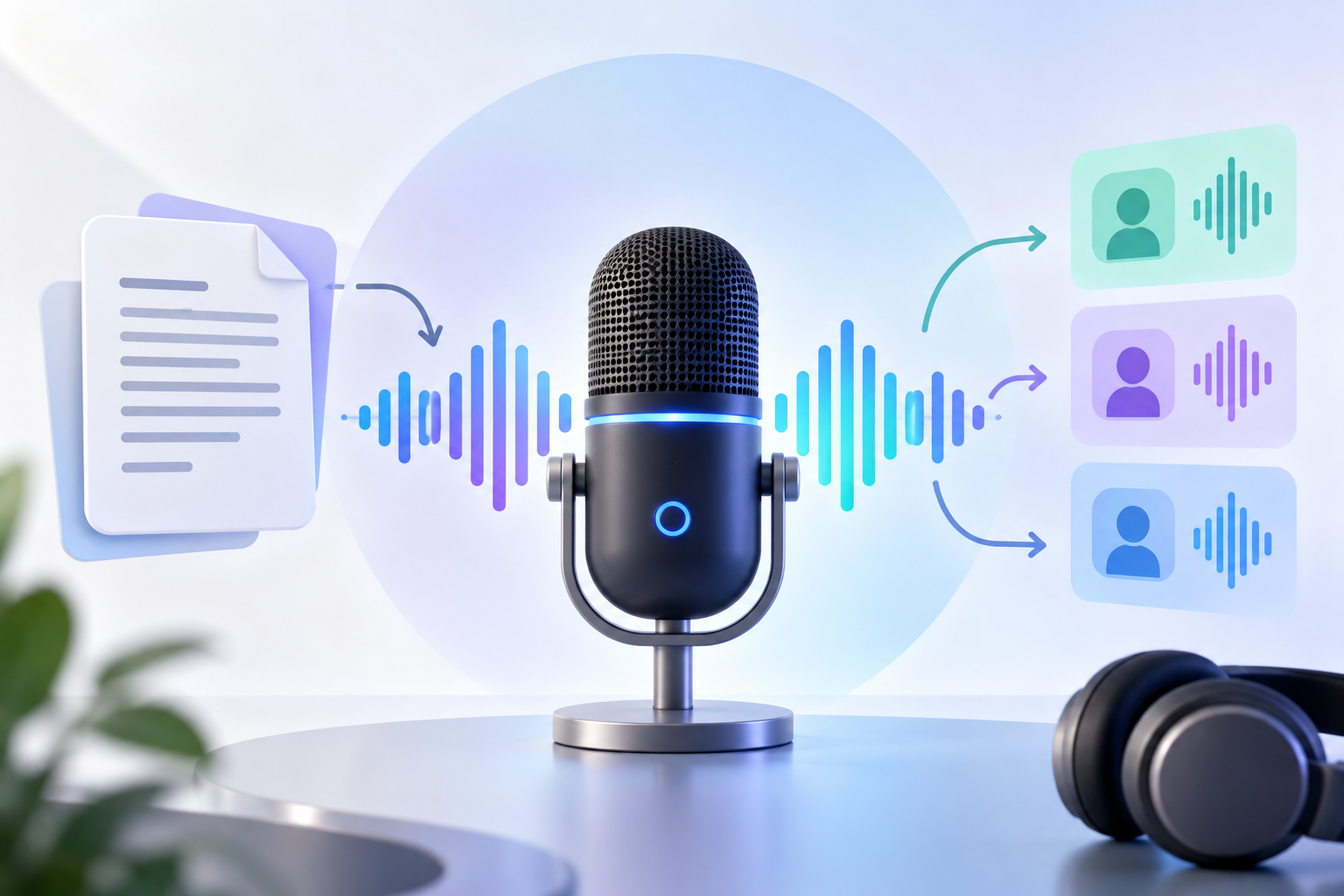
An ai podcast generator like notebooklm is a tool that turns source material or a script into spoken audio, often with AI voices, conversational structure, and editing support.
Read More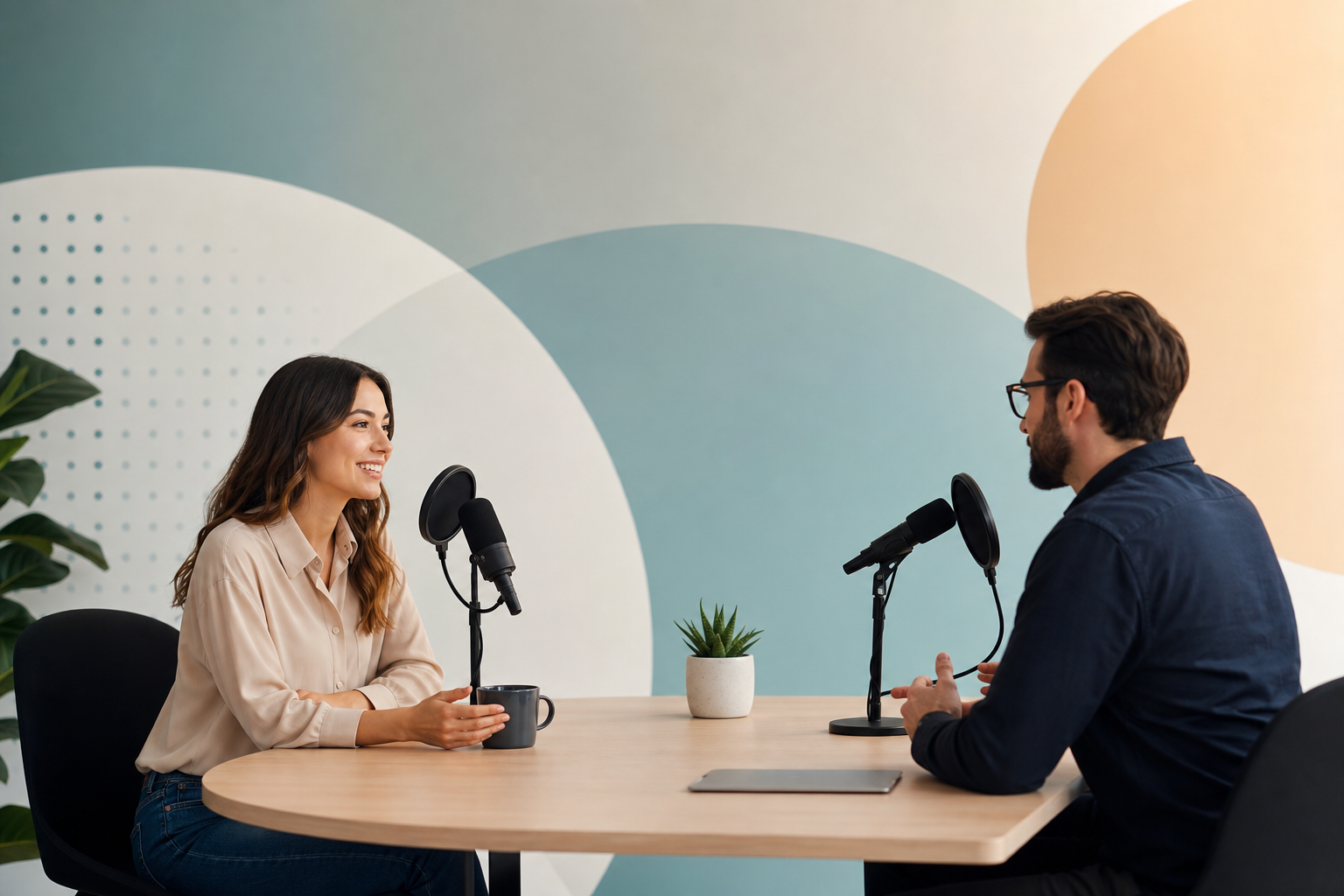 Highly Relevant
A Playbook for Interview-Based Content Marketing Teams
Record focused conversations with people who have direct experience, transcribe them, and turn the transcript into publishable assets. A simple, repeatable process for sourcing, questioning, recording, and repurposing interviews is the fastest way for teams to get specific, usable content without asking experts to write full drafts.
Read More Highly Relevant
Interview-Based Content Marketing SaaS Templates Guide
Use short, structured interviews with experts, customers, founders, or partners to capture real expertise and turn a 20–30 minute conversation into multiple publishable assets that are faster to produce, more credible, and more useful for search and buyers than generic brand copy. This guide explains when to use interviews, who to interview, how to prepare a focused brief and recording workflow, and how to turn one conversation into blog posts, case studies, newsletters, social posts, and sales snippets.
Read MoreReady to create amazing podcast content?
Choose a plan and start generating professional podcast content with AI
View Pricing Plans